
For many viewers, sport is the main reason to pay for TV. Finding the best IPTV for sports means finding a service that stays sharp and smooth when it matters most: the last minutes of a derby, overtime in the NBA, the final lap in F1. This guide shows what really counts on match day, our top pick and how it compares with licensed sports apps.
Key takeaways
- Sports IPTV must handle huge peak traffic with backup streams.
- Full HD or 4K at 50/60 fps makes fast action look clear.
- A wired connection and 25 Mbps are the keys to buffer-free 4K.
- Test on a real match with a free 24-hour Mom IPTV trial.
Table of Contents
Why IPTV Is Great for Sports Fans
Sports rights are split between many broadcasters and apps. Following the Premier League, La Liga, the Champions League, the NFL, the NBA and F1 can mean five subscriptions. IPTV for sports brings channels from many countries into one app with one guide. You can read about the technology on Wikipedia.
What Makes the Best Sports IPTV?
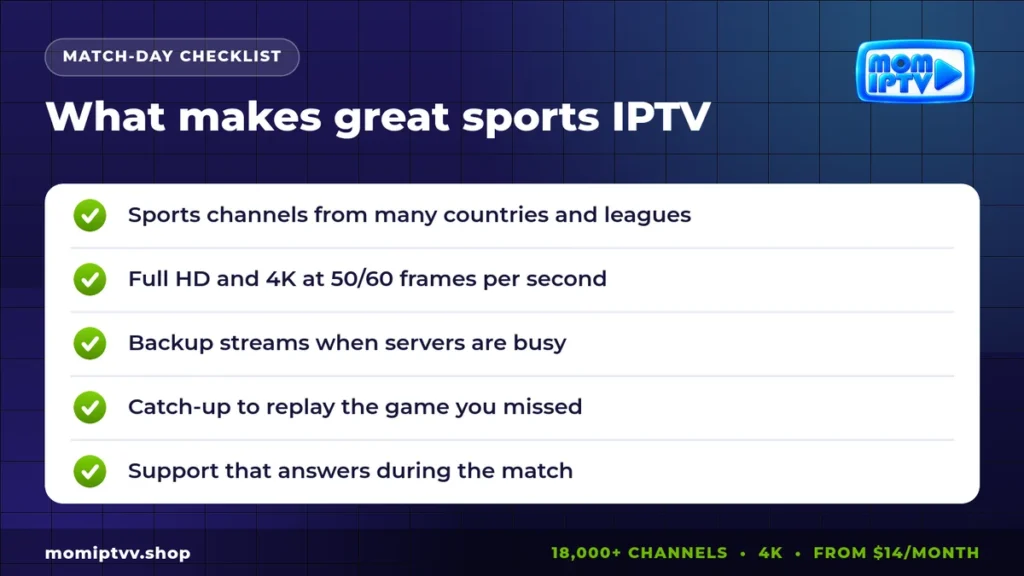
- Coverage: sports channels from many countries and leagues.
- Quality: Full HD and 4K, ideally at 50 or 60 frames per second.
- Peak stability: load-balanced servers and backup streams.
- Catch-up: replay a match you missed.
- EPG: a guide that shows kick-off times clearly.
- Support: someone who answers during the game, not on Monday.
Our Pick for the Best IPTV for Sports: Mom IPTV
Mom IPTV is built for match days:
- Sports channels from many countries within 18,000+ live channels.
- Full HD and 4K versions of many sports channels.
- Load-balanced servers with backup streams for busy nights.
- EPG and catch-up on many channels.
- 121,000+ movies and series for the rest of the family.
- 24/7 WhatsApp support, including weekends.
- Plans from $14 per month, up to 3 devices, money-back guarantee of up to 45 days.
Which Sports Can You Watch With IPTV?
| Sport | Popular competitions |
|---|---|
| Football (soccer) | Premier League, La Liga, Serie A, Bundesliga, Ligue 1, Champions League |
| American sports | NFL, NBA, MLB, NHL, college sports |
| Motorsport | Formula 1, MotoGP, NASCAR |
| Combat sports | UFC, boxing |
| Others | Tennis, cricket, rugby, golf, cycling |
Exact coverage depends on the channels in your package and on rights in each region, so check your favourites during the free trial.
IPTV for Sports vs Licensed Sports Apps
Licensed apps such as DAZN, ESPN+, Peacock and Fubo are excellent for the rights they hold. The challenge is that no single app holds everything.
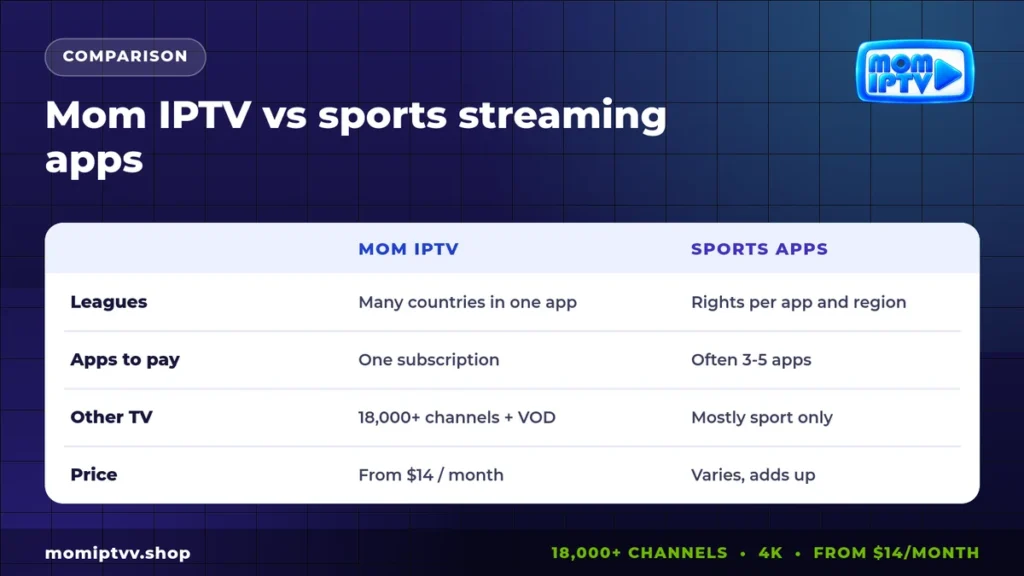
| Point | Mom IPTV | Licensed sports apps |
|---|---|---|
| Leagues | Channels from many countries | Rights per app and region |
| Number of subscriptions | One | Often several |
| Non-sports TV | 18,000+ channels and VOD | Mostly sport only |
| Price | From $14 / month | Check each app; costs add up |
See official offers such as DAZN if you want licensed coverage of specific competitions.
How to Choose the Right Sports IPTV Plan
Your plan should match how your household watches sport. Think about three questions before you pay.
How many screens watch at the same time?
If one person watches football while another follows the NBA, you need a 2-device plan. Families with a third viewer, for example children on a tablet, should choose 3 devices. Mom IPTV plans cover 1, 2 or 3 devices with the same channels on every plan.
How long is your season?
Football seasons run for about ten months. A 6-month or 12-month plan costs much less per month than paying month by month, and you never lose access in the middle of a title race. The 12-month plan works out at about $5.33 per month.
Do you watch live or later?
If you often miss kick-off because of work or time zones, catch-up is essential. It lets you replay recent programmes on supported channels, so you can watch the full match later in the evening.
Live Delay and Spoilers
Every stream, including licensed apps, runs a few seconds behind the stadium. To avoid spoilers, mute score notifications on your phone during the match and keep group chats closed until the final whistle. If you follow live statistics, remember that they may update before your picture does.
Watching Two Matches at Once
On busy weekends, several games kick off together. With a 2-device plan you can play the main match on the TV and a second one on a tablet or phone. Some players, such as TiviMate, also support a picture-in-picture or multi-view mode on Android TV devices.
How to Avoid Buffering on Match Day
- Connect your TV or Firestick with an Ethernet cable.
- Close downloads and game updates during the match.
- Choose Full HD instead of 4K if your speed is under 25 Mbps.
- Open the match 5 minutes early so the player settles.
- If a channel freezes, switch to its backup version in the list.
Our guide to the best IPTV router explains the network settings that help most.
Best Devices for Sports IPTV
- Firestick 4K Max or Android TV box with TiviMate for fast zapping.
- Samsung or LG Smart TV with Smarters or Smart IPTV; see IPTV on Samsung Smart TV.
- Phone or tablet to follow a second match at the same time on a 2-device plan.
How to Set Up IPTV for Sports on Firestick
- Install Downloader from the Amazon store.
- Install TiviMate or IPTV Smarters Pro.
- Enter your Mom IPTV login.
- Open the Sports group and add your channels to Favourites.
- Check the EPG for kick-off times.
The full steps with screenshots are in our setup guide.
Never miss a match: test Mom IPTV free
18,000+ live channels, 121,000+ movies & series, HD to 4K on every device. Plans from $14/month with a money-back guarantee of up to 45 days.
Best IPTV for Sports: FAQ
What is the best IPTV for sports?
The best option combines sports channels from many countries, stable 4K streams with backups, catch-up and fast support. Mom IPTV offers this within 18,000+ channels, from $14 per month.
What internet speed do I need for sports IPTV?
About 10 Mbps for Full HD and 25 Mbps for 4K. Connect your TV by cable for big matches.
Why does sports IPTV buffer during big games?
Big games bring huge traffic. Buffering usually comes from busy servers or home Wi-Fi. Choose a provider with backup streams and use a wired connection.
Can I watch PPV events with IPTV?
PPV availability depends on the provider and on rights. Check during your free trial which events are included.
Is sports IPTV legal?
Licensed apps such as DAZN, ESPN+ and Fubo are legal. For other services, legality depends on rights and local law.
Final Thoughts
The best IPTV for sports is the one that never lets you down at the decisive moment. Choose a provider with broad coverage, backup streams and real support, and give it a wired connection on match day. Test Mom IPTV on the next big game with a free trial, then choose your plan on our pricing page.
One Response